
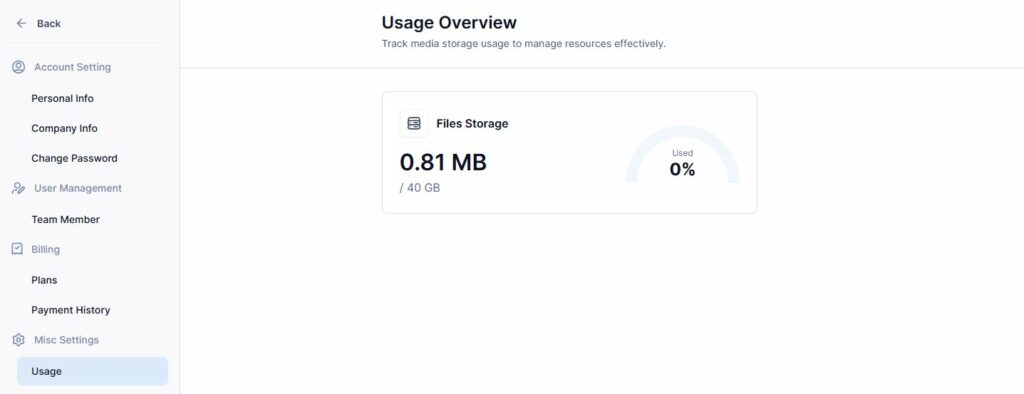
To check your file storage and email quotas, follow these steps:
- Log in to the Tripcart Dashboard.
- Navigate to Account Settings > Misc Settings > Usage.
- Here, you will find a Usage Overview section.
- The section displays:
- File Storage: Here you can view the maximum storage available based on your purchased plan, as well as the amount of storage currently in use.
This helps you monitor your storage efficiently.
📧 If you face any issues or have questions, please reach out to our support team or initiate the chat located on the right.