
Tripcart allows you to easily upgrade or downgrade your subscription plan to fit your needs. Follow the steps below to manage your plan.
Accessing Your Subscription Settings #
- Log in to your Tripcart Dashboard.
- Navigate to Account Settings > Plans under the Billing section.
Upgrading or Downgrading Your Subscription #
- Browse through the available plans and select the one you wish to upgrade or downgrade to.
- Choose your desired plan and click Proceed.
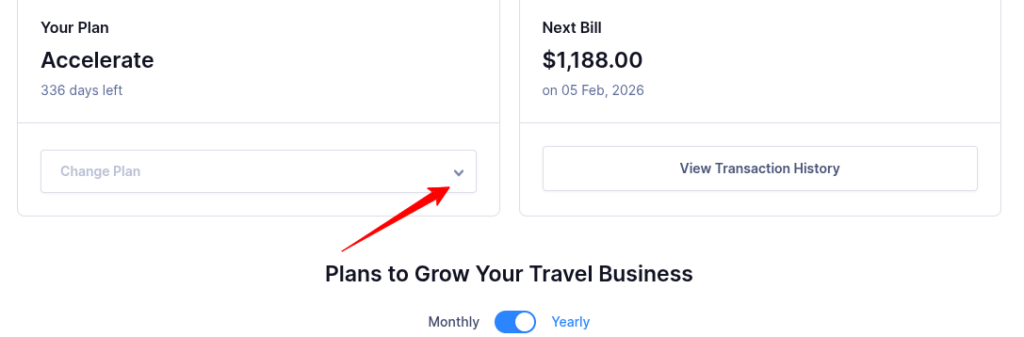
By selecting your new plan, you’ll be able to adjust your subscription as needed.