
Tripcart allows you to easily view and download your invoices whenever needed. Follow the steps below to download your invoice.
Accessing Your Invoice #
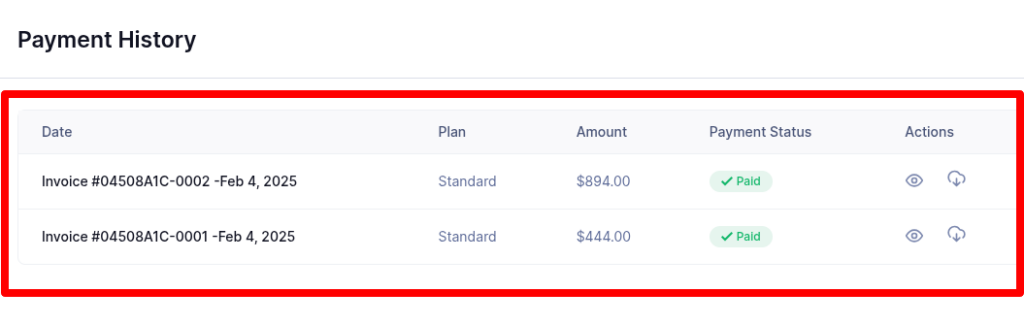
- Log in to your Tripcart Dashboard.
- Navigate to Account Settings > Payment History under the Billing section.
Downloading Your Invoice #
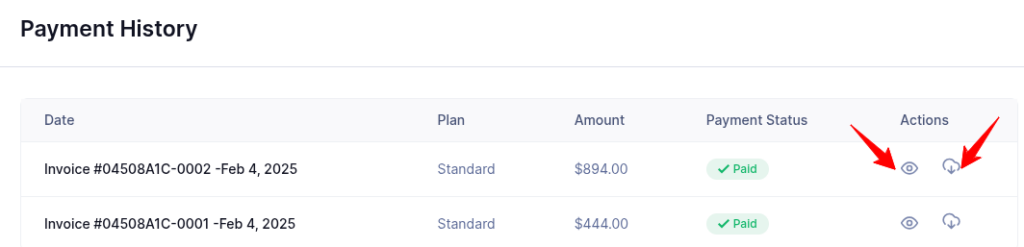
- Find the invoice for your purchase in the Payment History section.
- View or download the invoice by clicking the corresponding button next to it.
Once downloaded, you can store or print your invoice as needed.
📧 If you face any issues or have questions, please reach out to our support team or initiate the chat located on the right.