
This guide will help you set up and manage your website menu in Tripcart. A well-organized menu helps visitors easily find the information they need.
Accessing Menu Settings #
- Log in to your Dashboard.
- Go to Website Settings.
- Click on Menu to open the menu management options.

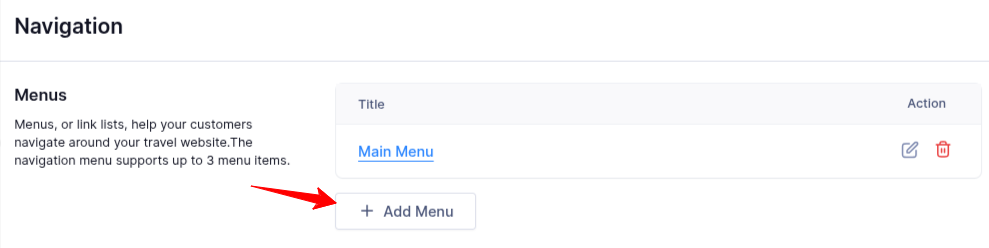
Adding a Menu #
- Click Add Menu.
- Enter a Menu Title (this helps identify your menu).
- Click Add Menu Items to start adding links.
Adding Menu Items #
- Click on Add Menu Items.
- Choose an option:
- Page Link: Select an existing page from your website.
- Custom Link: Enter a URL to link to an external or internal page.
- Click Save to confirm your changes.

Managing Menu Items #
- Rearrange Items: Drag and drop menu items to change their order.
- Edit Items: Click the Edit icon to modify an existing menu item.
- Delete Items: Click the Delete icon to remove a menu item.
- Save Changes: After making updates, click Save to apply them.

By following these steps, you can easily create and manage your menu to improve your website’s navigation and user experience.
📧 If you face any issues or have questions, please reach out to our support team or initiate the chat located on the right.