
Tripcart allows you to migrate your trips from WP Travel Engine seamlessly, ensuring all your tour content is transferred without hassle. Follow the steps below to import your trips efficiently.
Accessing the Import Tool #
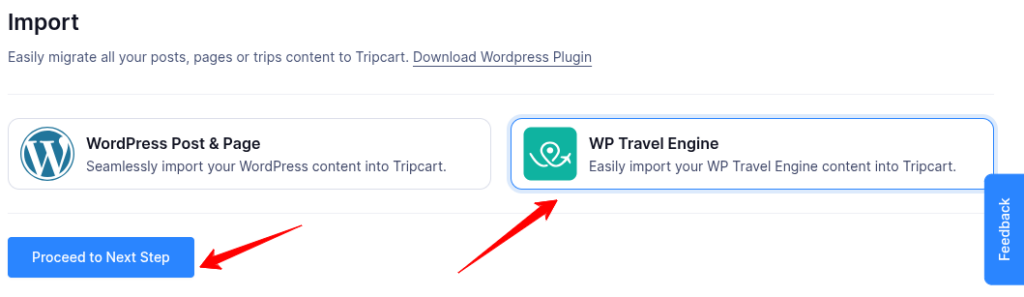
- Log in to your Tripcart Dashboard.
- In the left sidebar, navigate to Apps > Import.
- Select WP Travel Engine and click on Proceed to Next Step.
Installing the WordPress Plugin #
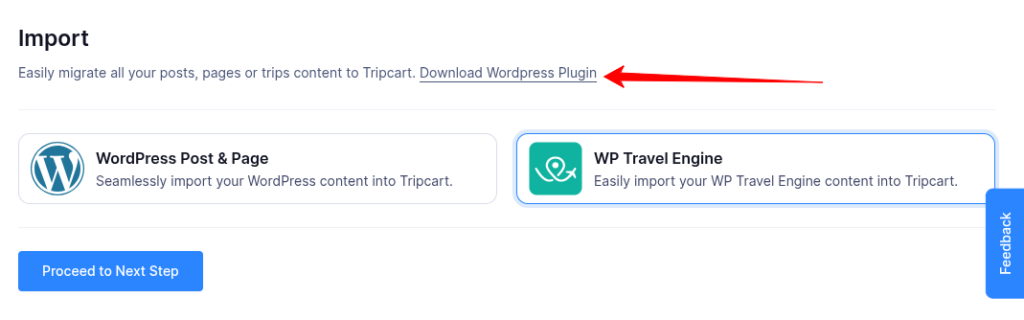
- Download and install the WordPress to Tripcart plugin on your WordPress website by clicking on Download WordPress Plugin.
- Once installed, activate the plugin on your WordPress site.
Importing Your Content

- Enter your WordPress website URL and click Proceed to Next Step.
- The system will search for all available trips from WP Travel Engine and display the total number of trips found.
- You will also see an estimated time for the import process.
- Click Confirm & Start Import to begin the migration.
📧 If you face any issues or have questions, please reach out to our support team or initiate the chat located on the right.